
Qustodio Parental Control App
Qustodio LLC
Downloads
5,000,000+
Source
Google Play
Advertisement
Click to download now, finish the installation quickly, and directly unlock the all-round experience
Advertisement
Screenshots
Click to download now, finish the installation quickly, and directly unlock the all-round experience
Qustodio Parental Control App gives parents a place to manage limits and safety settings for a child’s device use. It suits families who want to set boundaries, check how devices are being used and manage more than one kind of device from a parent app.
The parent app works alongside a separate app for the child. That means setup involves configuring the child’s device and granting the permissions needed for controls to work; it is more involved than simply checking a screen-time total on your own phone.
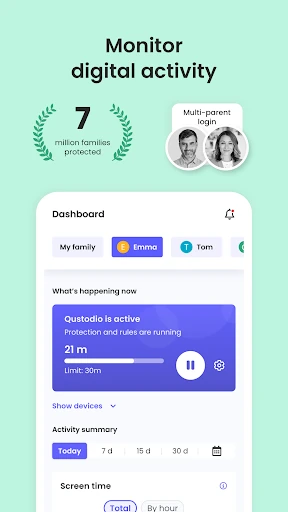
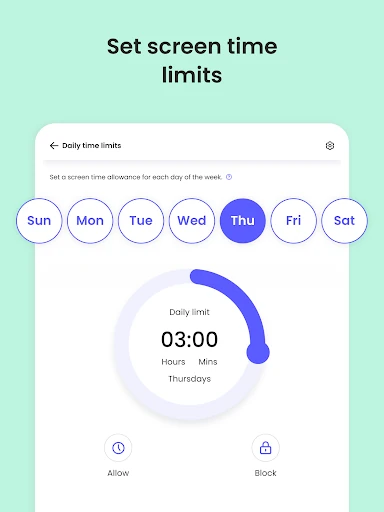
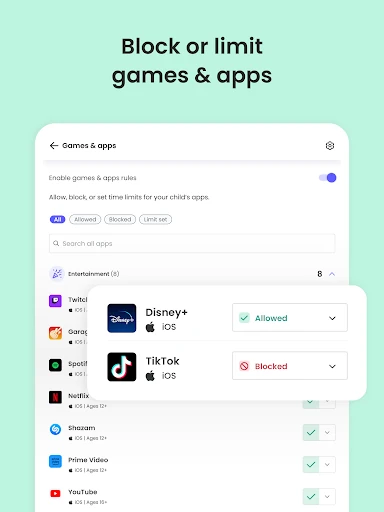
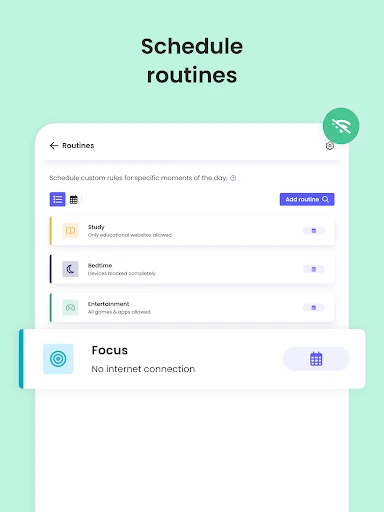
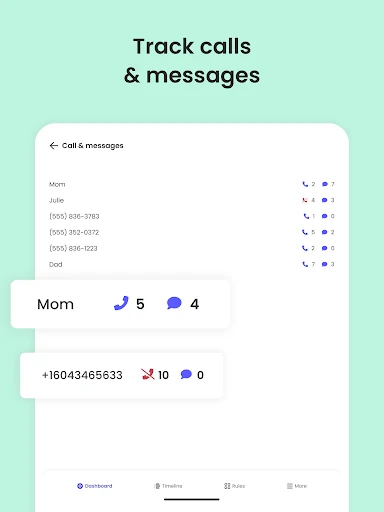
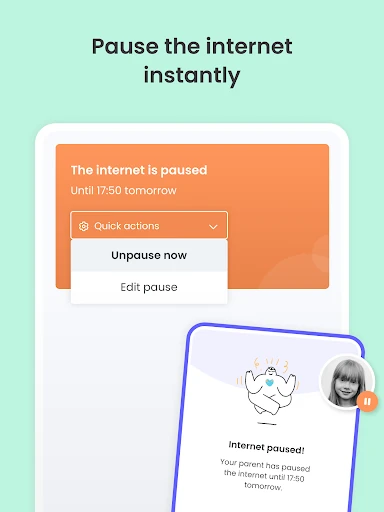
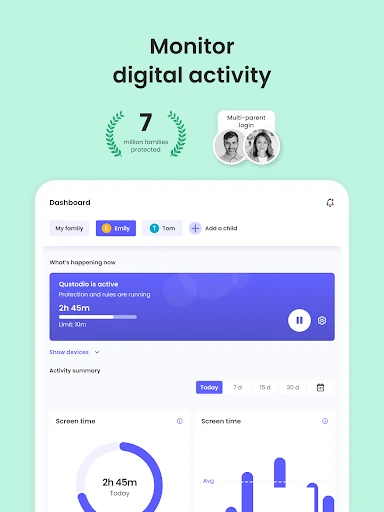
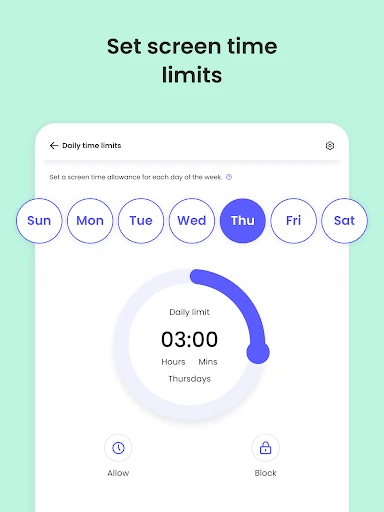
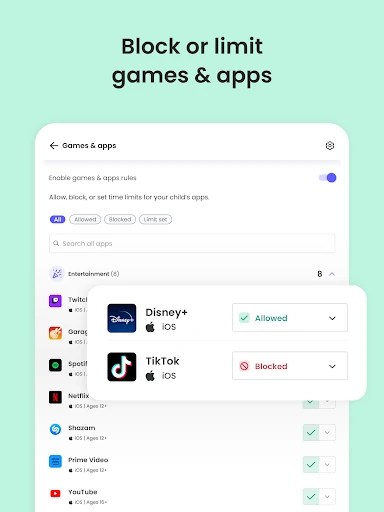
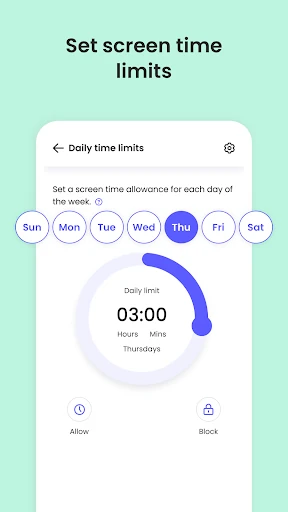
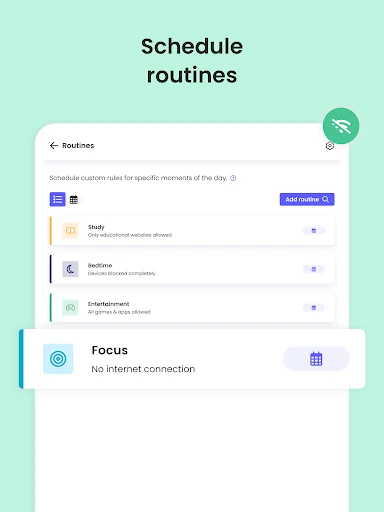
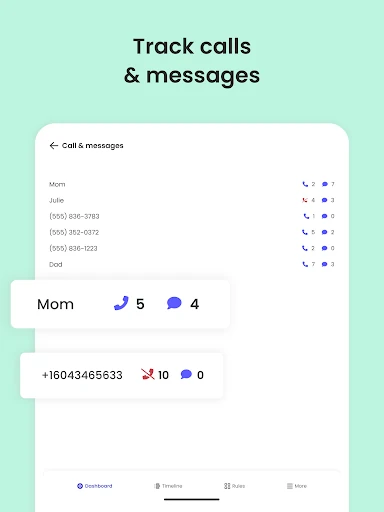
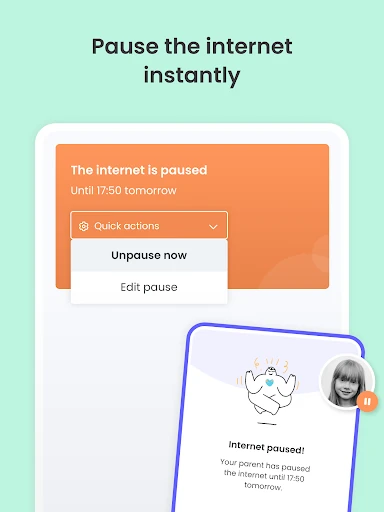
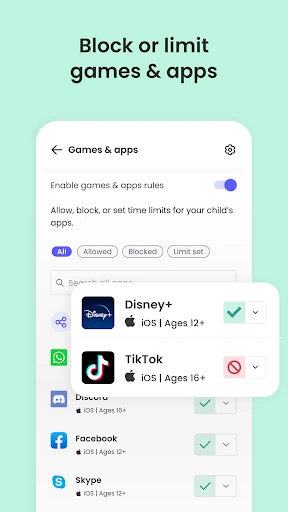
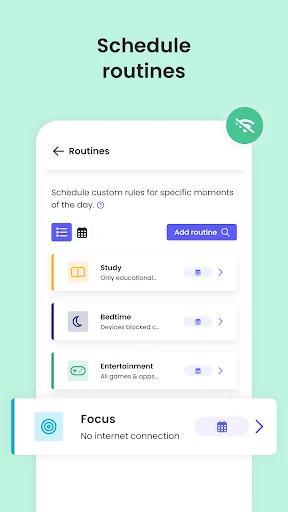
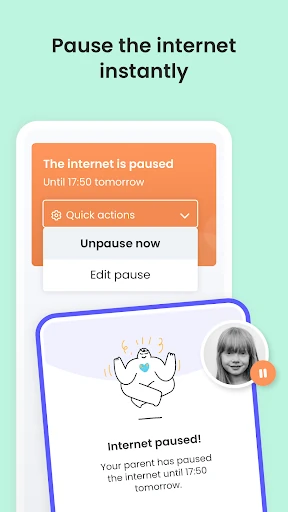
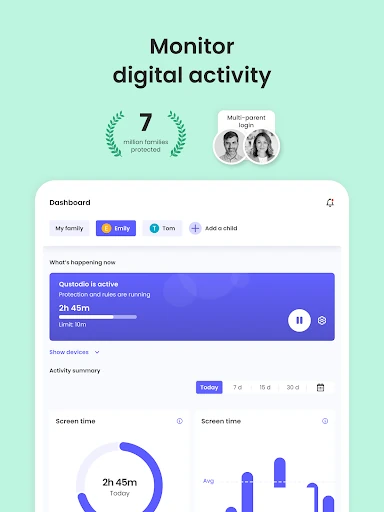
Parents can set screen-time limits and restrict apps or categories of websites. Qustodio also provides usage and web activity information, so you can review what has been used rather than relying only on a daily limit. Its controls are intended to work across platforms including Android, iOS, Windows and Mac, which can help when a child uses several devices.
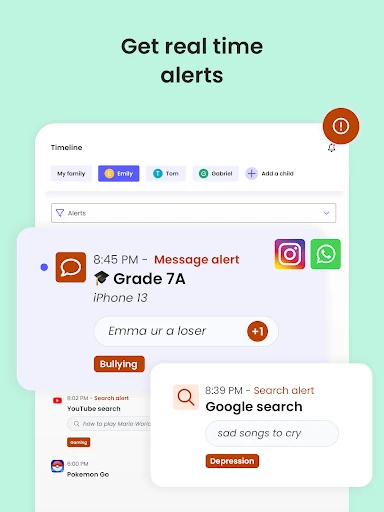
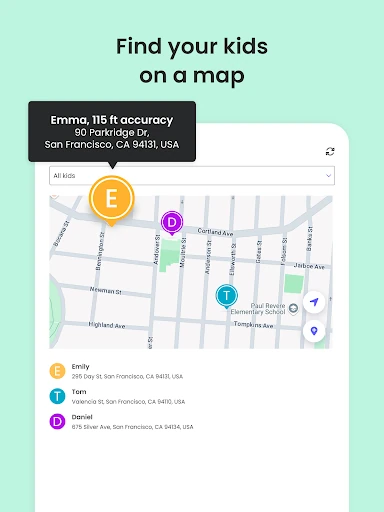
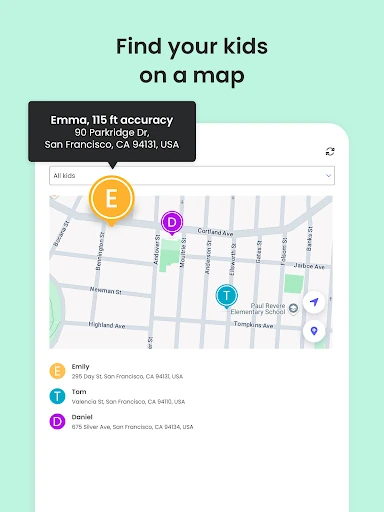
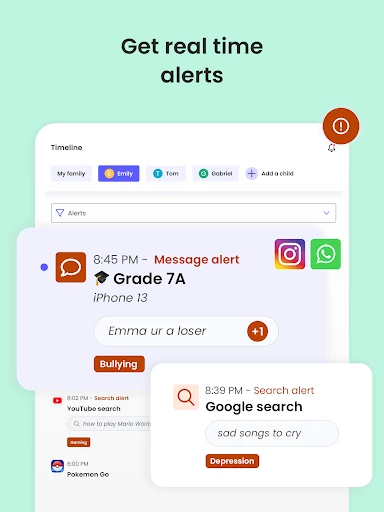
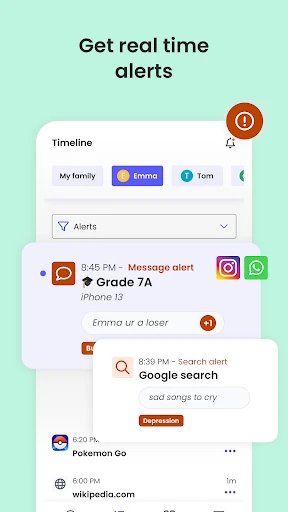
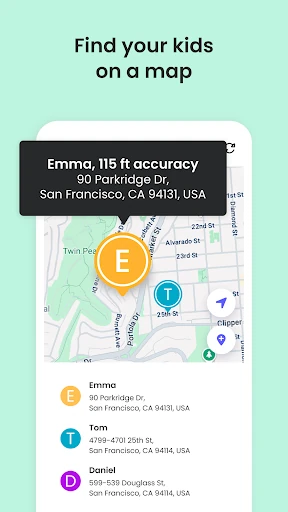
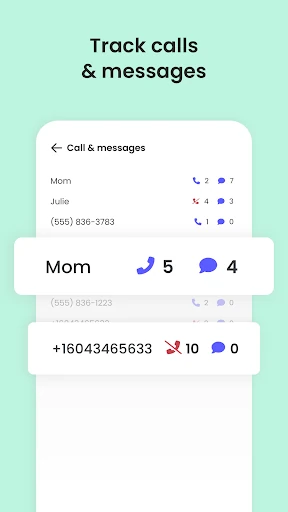
The feature set also includes family location tracking and an emergency alert button. These are useful additions for parents who want location information in the same tool as device controls. Qustodio describes monitoring and alerts for certain searches and messages as well; what is available can depend on the device and the setup.
Qustodio is a hands-on parental-control tool, not a set-and-forget timer: parents need to configure the child’s device and decide which restrictions make sense. It has more than 5 million installs and a 3.59-star rating from 21,620 ratings. Those figures offer a useful snapshot of its reach and user feedback, but do not say whether its controls will suit your family’s devices or rules.
Developer: Qustodio LLC.